
Edit. Share. Wow.
The photo editor that makes every shot look amazing — no skills required. Tap, swipe, share.
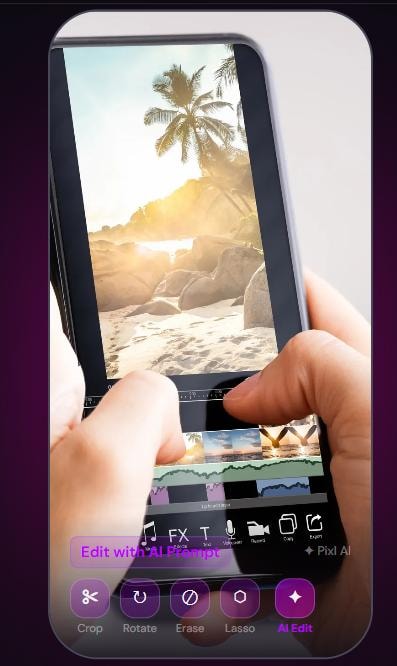
Everything you need. Nothing you don't.
Powerful editing tools that feel effortless — crop, rotate, erase, lasso, and AI prompts.
Crop & Resize
Perfect for every platform.
Crop to any size by dragging the corners of the image and repositioning the image in the crop frame. The image can be rotated within the crop frame.

Rotate 90°
Flip your shot to the right orientation in one tap — rotate 90° right each click.

Erase & Clean Up
Remove distractions, photobombers, or unwanted objects. Brush over it, circle it, or use the lasso — Pixl fills in the surrounding area seamlessly. Just tap the blue "AI Edit" button to send the image for AI processing.

AI Edit
Powerful AI edits available through the AI Edit text box. Use simple commands to provide amazing photo edits like "Remove background", "Add sunny Florida beach background with palm trees", or "Change shirt color to bright blue". Type "Enhance photo" to remove red eye or improve image clarity.
The Complete AI Edit Command Reference Manual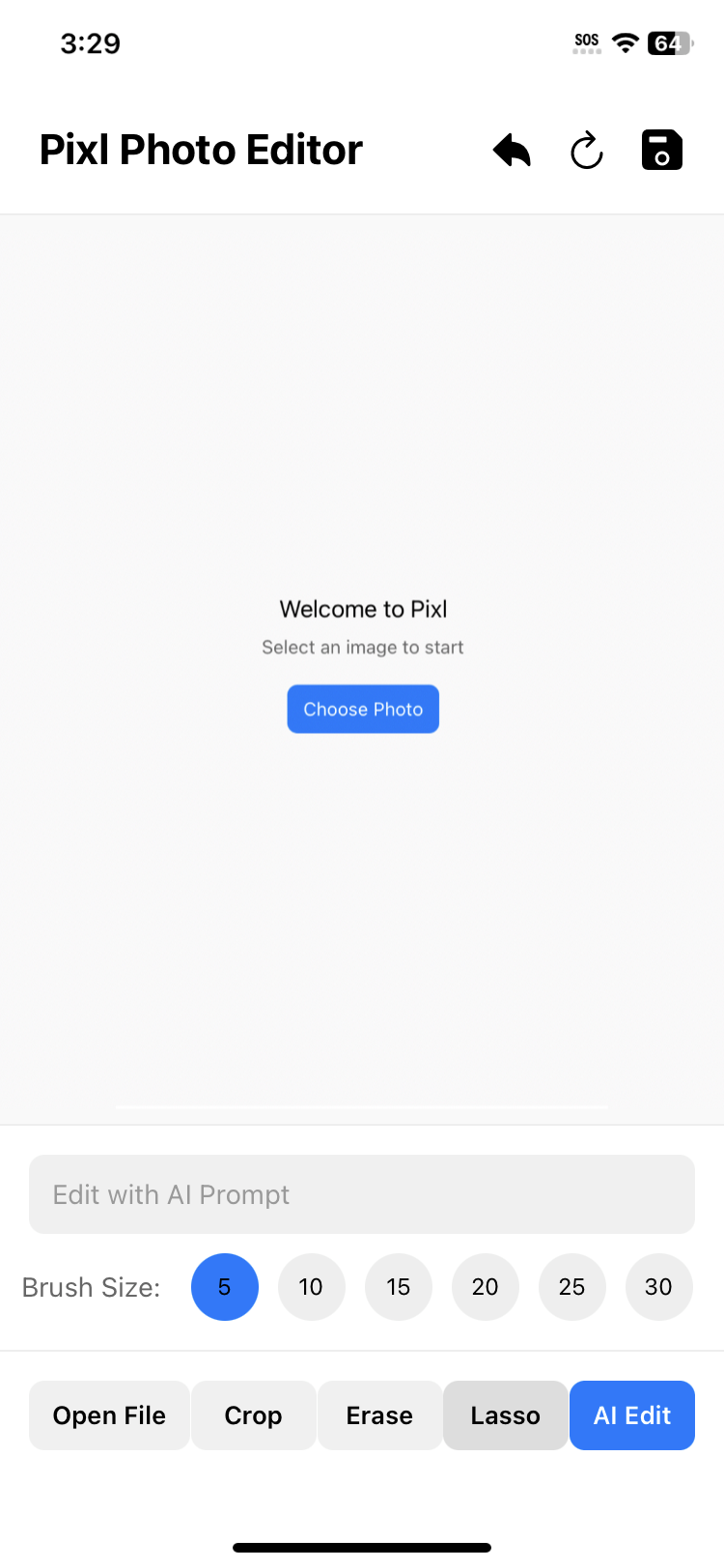
Download Free — Start Editing in Seconds.
No account needed. No tutorials required. Just open, edit, and share.
Available on Android 10+
New to Pixl? Read the Getting Started guide →